Posters, menus and adverts, ready to post.
Type a few details, add a photo if you have one, and get three finished designs for Facebook, WhatsApp Status or print.
Jump straight to:
What do you want to create?
Select a category to open a simple form tailored to your content.
Your photo in. Finished design out.
Upload a product, dish, or venue shot and Tinthu places it, cuts it out where it helps, and builds three designs around it. No photo? Some event and service designs come with a picture made for them; products and dishes are never invented, so those designs are built on type.
- Your photo is placed, cut out, or shown on a new set. Check it before you post.
- Prices, dates, and contact details stay exactly as you typed them.
- Pick the option you like, then download it or change the words, colours and fonts.
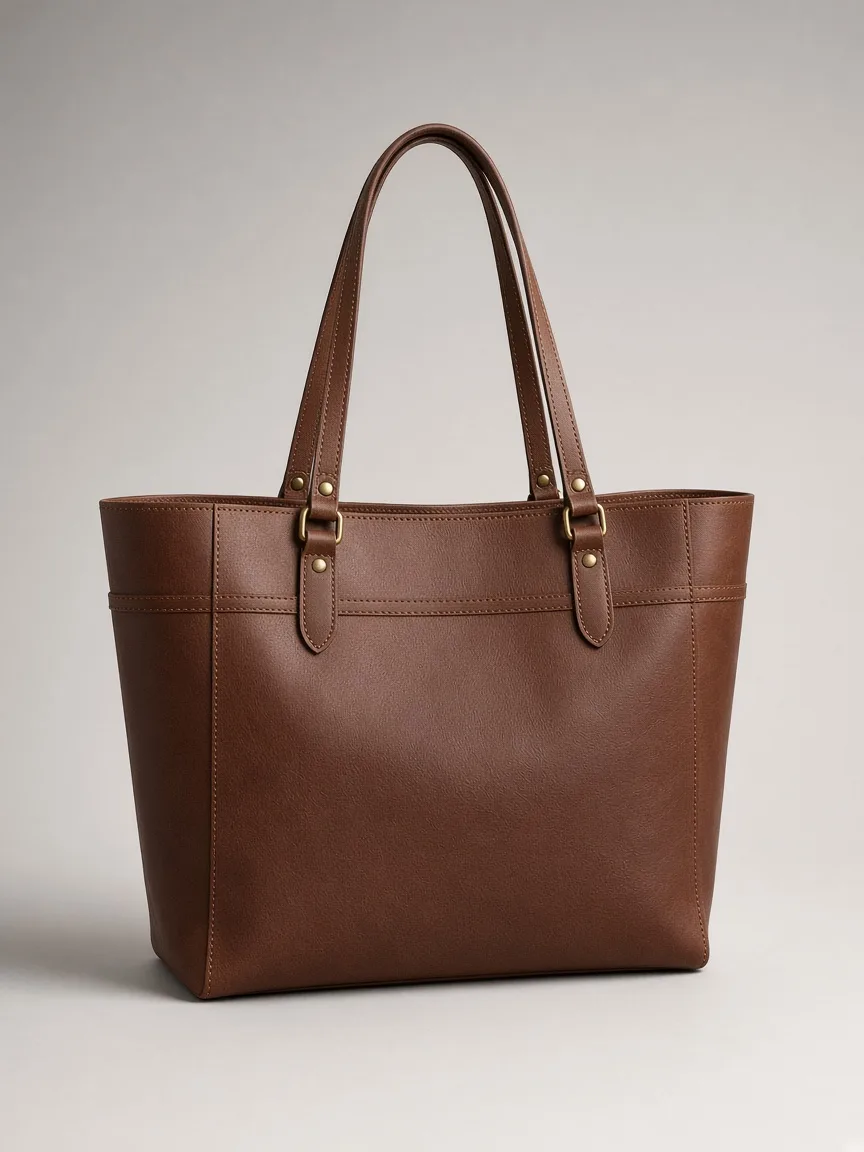
Three finished options
From details to finished design in three steps.
No cluttered toolbars when you start. Just tell Tinthu what you need, generate, and export or fine-tune.
Choose what you want to make
Pick a Product Ad, Event Poster, Restaurant Menu, or Service Promo.
Fill in a simple form
Add your headline, price, or event details and optionally upload a photo.
Export immediately — or edit
Download your finished design right away, or open the minimal studio to tweak colors and fonts.
Want to tweak the result?
Every design can be downloaded right away, or opened in a simple editor to change the words, colours and fonts. You can also ask for a change in plain words, like “bigger title”.